Optional Always-On Private Browsing
Use Epic in normal and private browsing mode, or keep Epic in an always-on private browsing mode.

No Tracking
Epic blocks many different tracking methods from ID numbers to fingerprinting techniques to server-based services which are used to know where and what you browsed.
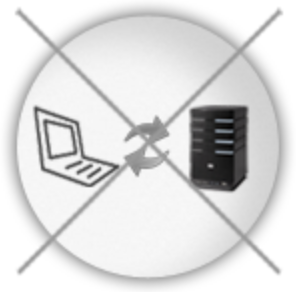
Ads, Trackers, Fingerprinters & Third-party Cookies Blocked
Trackers are companies that track where and what you browse on the internet. They may associate your online data with offline data and sell your data and or use it to show you targeted ads. Epic was the first and is still the best browser that actively blocks thousands of trackers. Please make sure to enable Epic's Ad Blocker via the Extensions page.

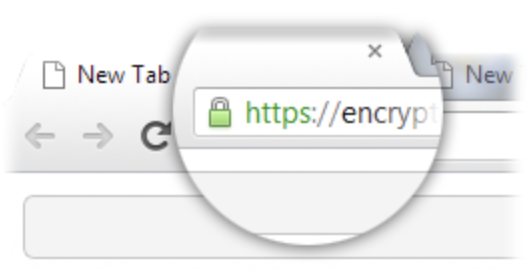
Encrypted Data Preference
If available, Epic will use an https version of the website(s) you visit so that data sent and received is encrypted.
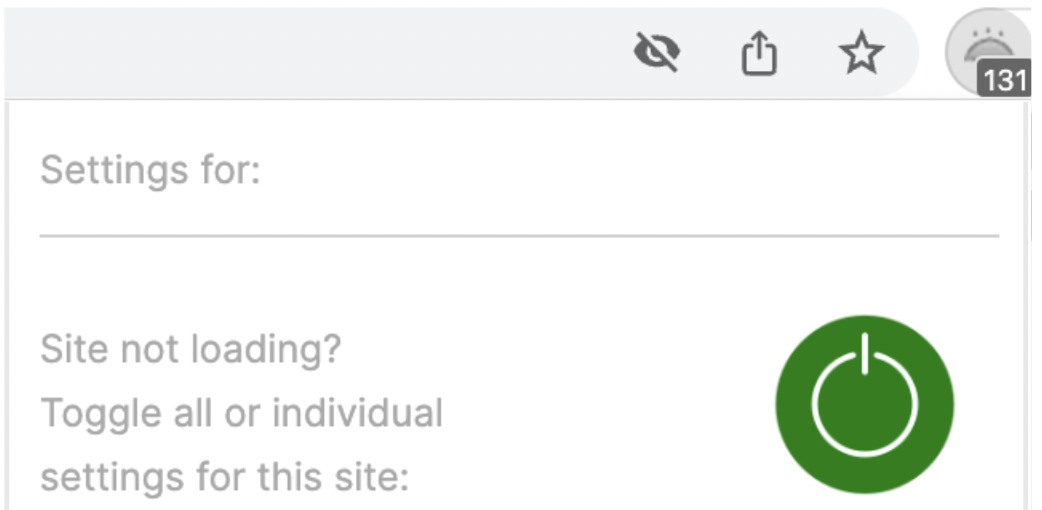
Unified Umbrella Button with Granular Controls
In case a site you visit doesn't work, you may need to adjust Epic's settings for that particular website. Click on the umbrella icon and try turning off one or more of Epic's settings for that site to make it load correctly.