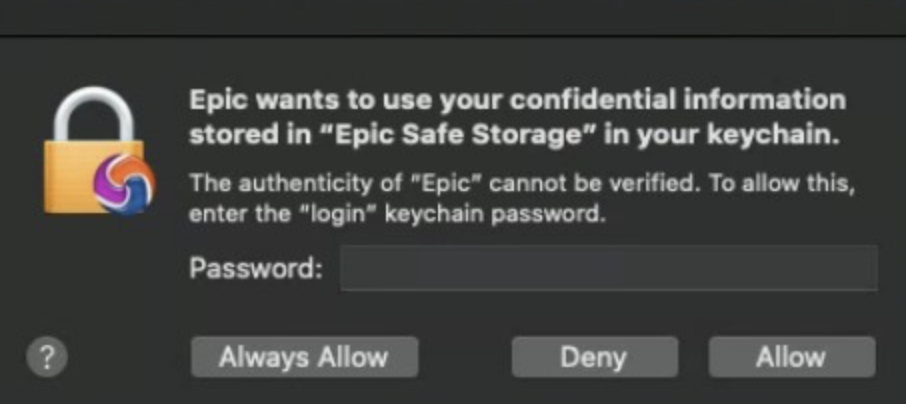
Why you see this alert.
1
Epic uses default Chromium behavior which is to store passwords you choose to save in Epic in the Mac Keychain. This is why Epic will ask for permission to access "your confidential information stored in Epic Safe Storage" in your Keychain.
2
Epic has no permission nor will it ever ask for permission to access any data in your Keychain unrelated to Epic.
3
It is annoying to click "Deny" everytime you open Epic so we recommend setting it to "Always Allow" for your convenience. Again, the only data you are giving Epic access to is "Epic Safe Storage" which will contain passwords you choose to save in Epic.